Mom adds the big days.
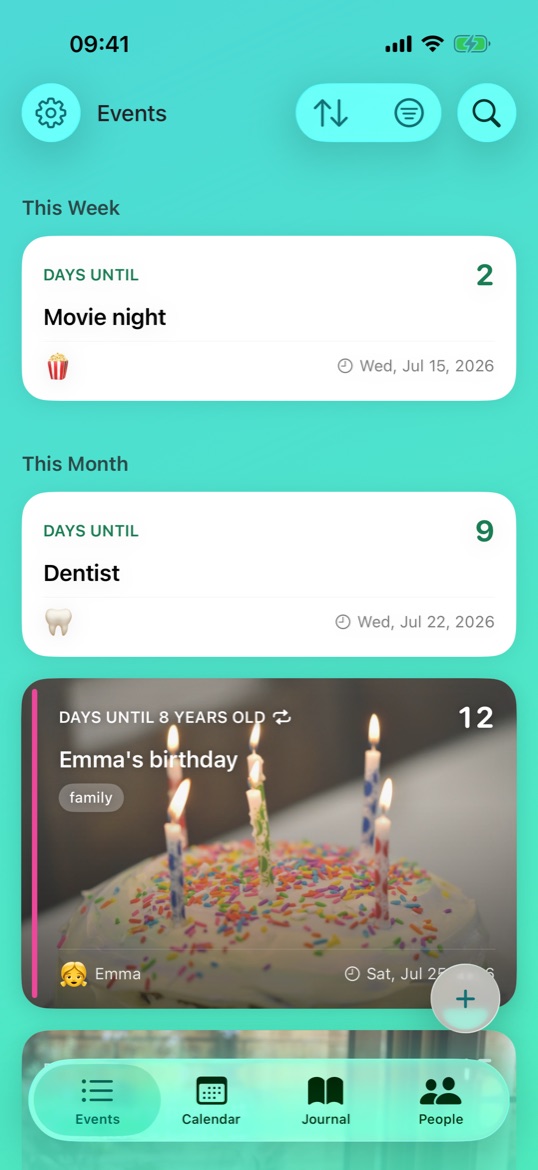
Emma's 8th, movie night, the anniversary dinner — Anna keeps them all on one board. Special days get a photo cover; the rest stay clean, white, and readable at a glance.
The private countdown app for your family — birthdays, trips, and the big days you're waiting for together, on iPhone, iPad, and Mac. No accounts, no ads: it syncs through your own iCloud, so we never see your data.
Free beta today · $4.99 at launch · one purchase, whole family, no subscription — ever.
Days untilCabin weekend 🏕️23
Days untilEmma's birthday 🎂12
The story
Anna and Jón keep the family's big days in Naerly; Emma has her own. Here's one day, six little moments.
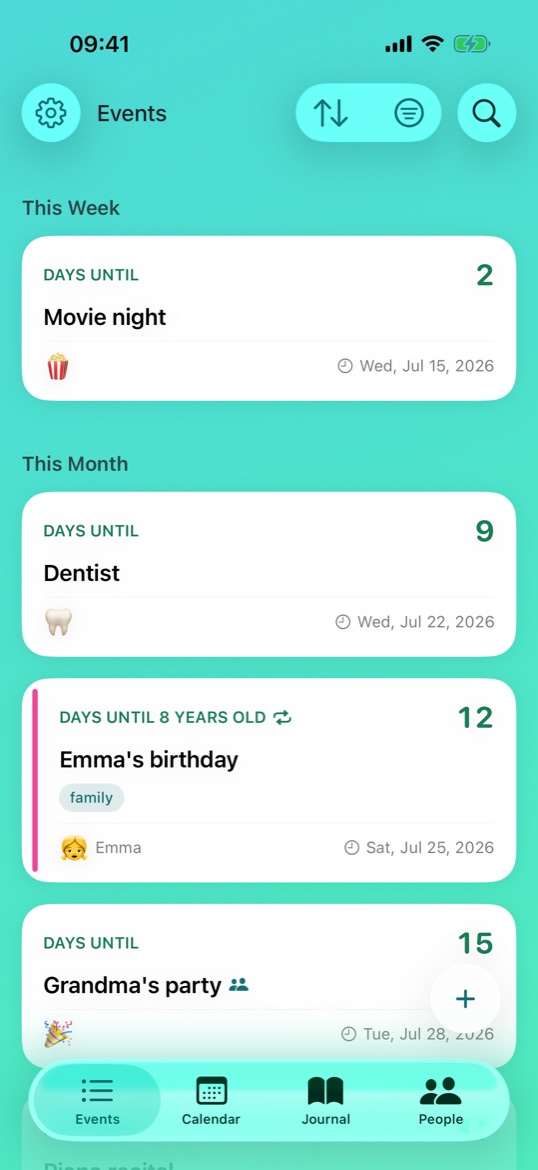
Emma's 8th, movie night, the anniversary dinner — Anna keeps them all on one board. Special days get a photo cover; the rest stay clean, white, and readable at a glance.
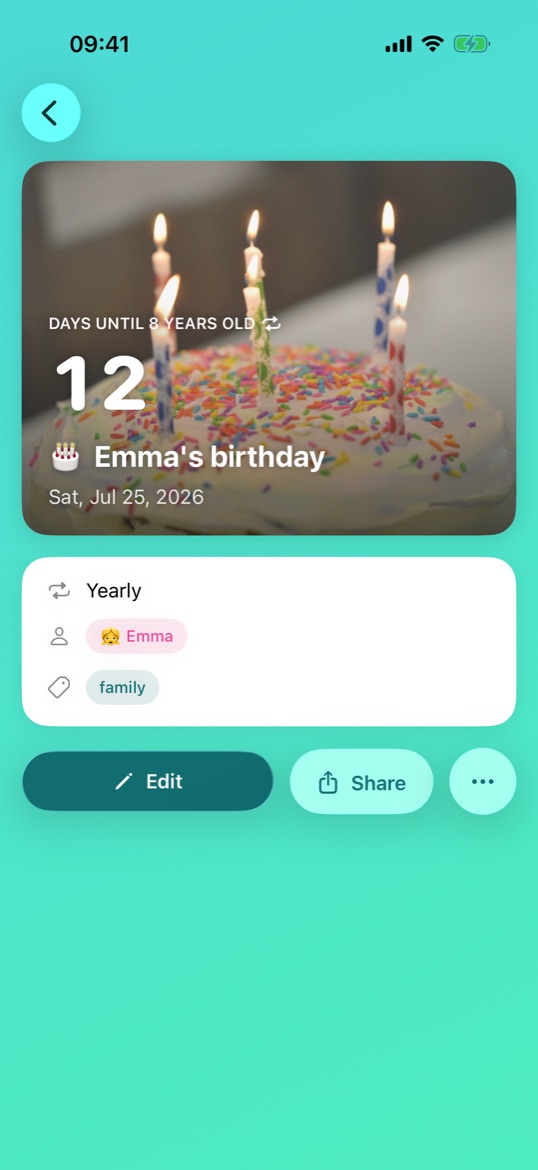
Tap into Emma's birthday and everything's there: the photo, the countdown to 8 years old, tagged family, set to repeat every year on its own.
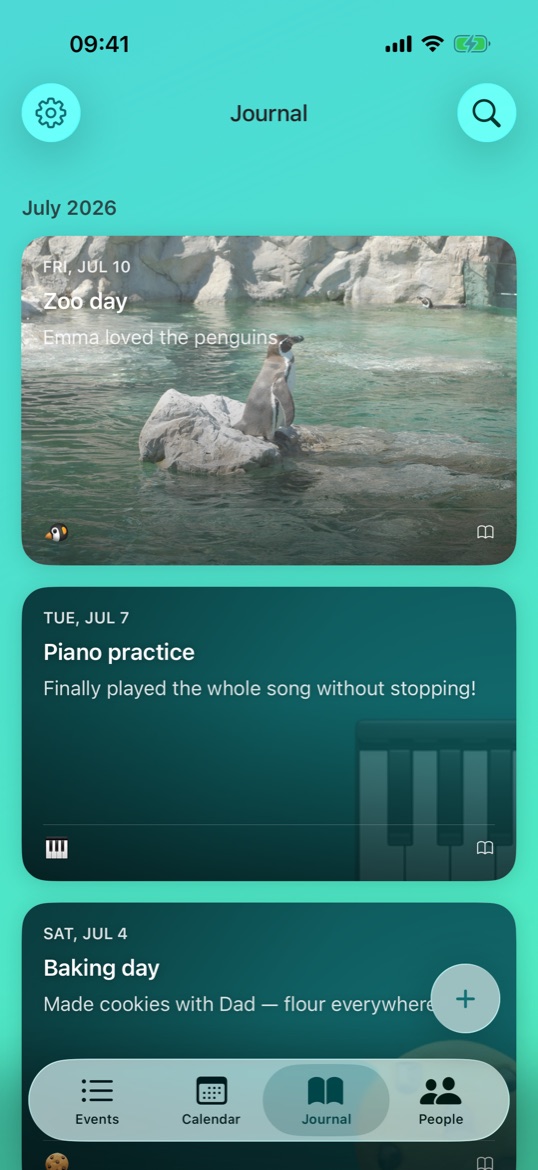
Thursday was the zoo, and Emma loved the penguins — so it goes in the journal, photo and all, right next to the countdowns it belongs with.
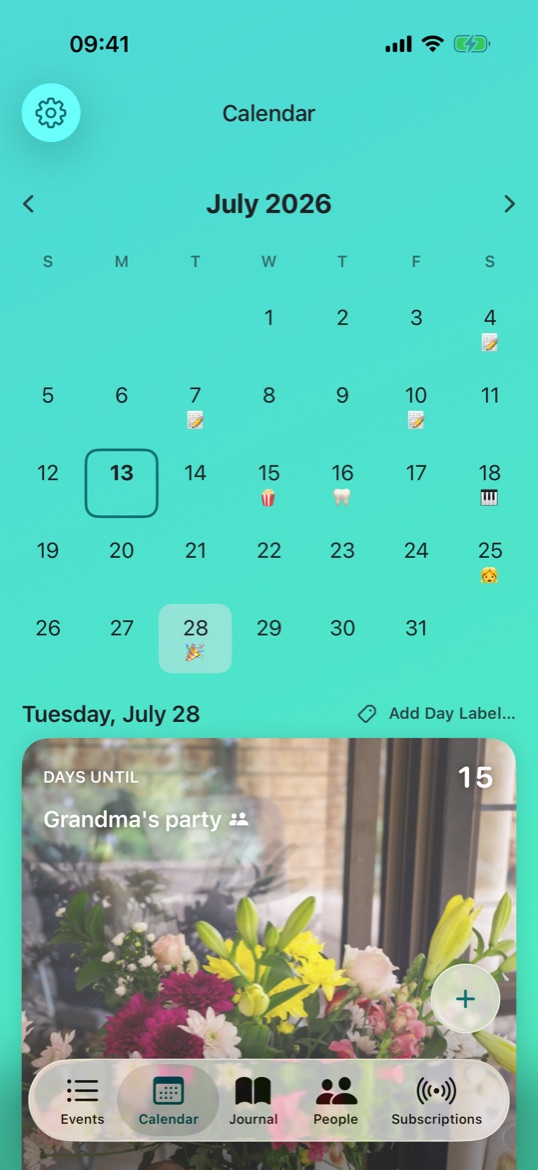
July, laid out: every big day wears its emoji, and any day can take a little label. Tap a date and its countdown is right there.
After dinner it's Emma's turn. Kid Mode is a safe, playful view her parents control — the family events they've shared, her own countdowns, and a “How was today?” check-in. Nothing else, by design.
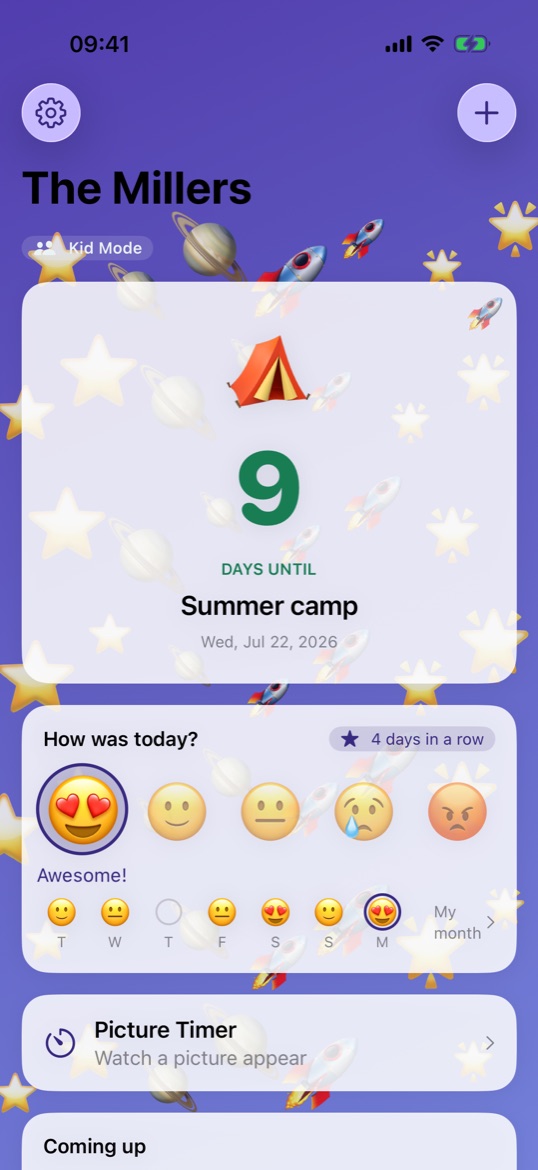
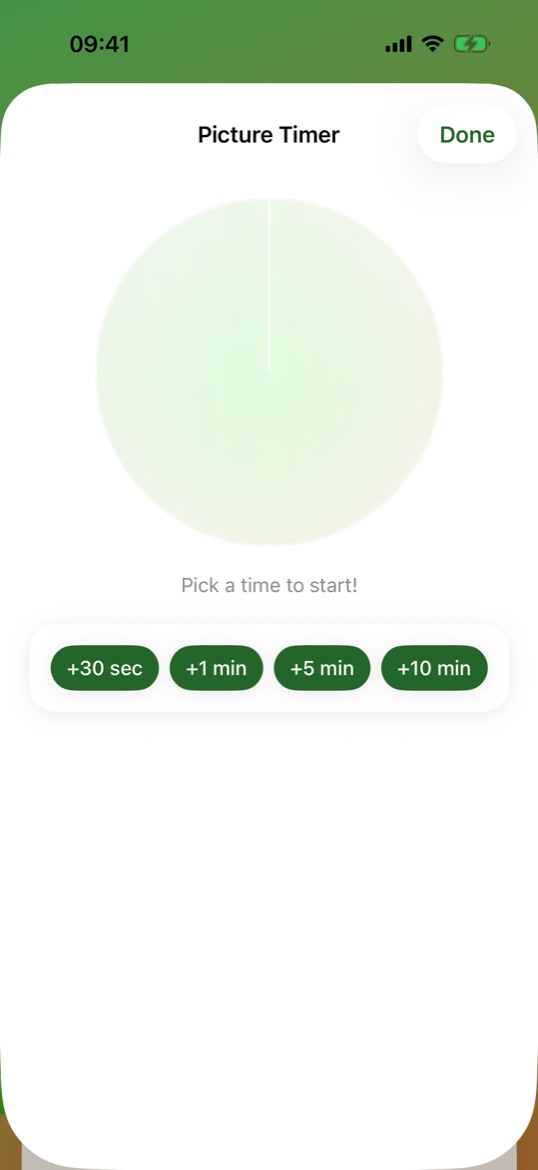
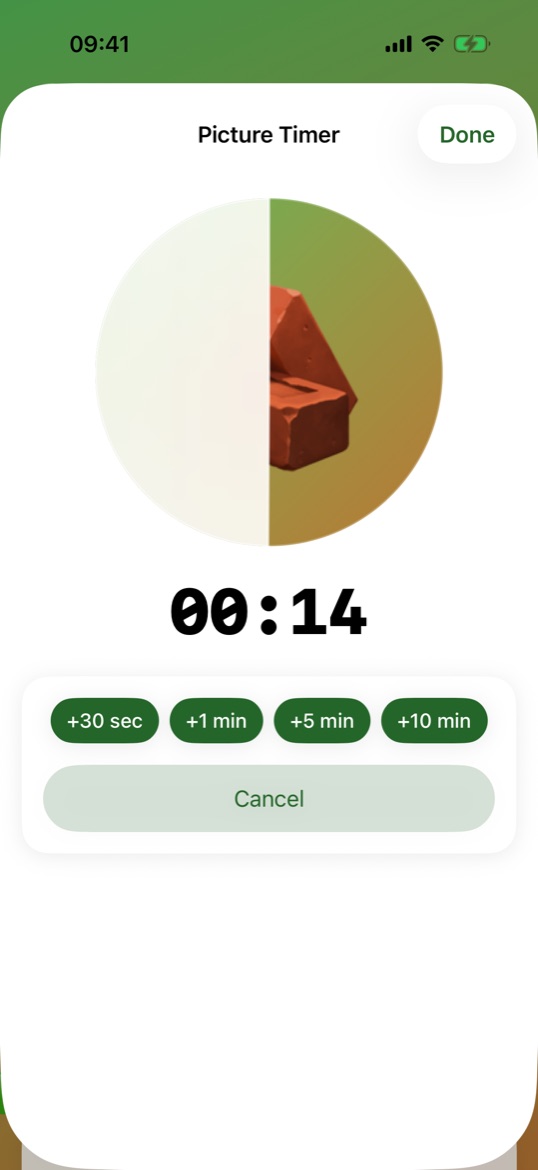
Pick a time and a picture slowly appears — five more minutes, made visible. Add time with a tap. It's the timer kids actually want to finish.
Kid Mode
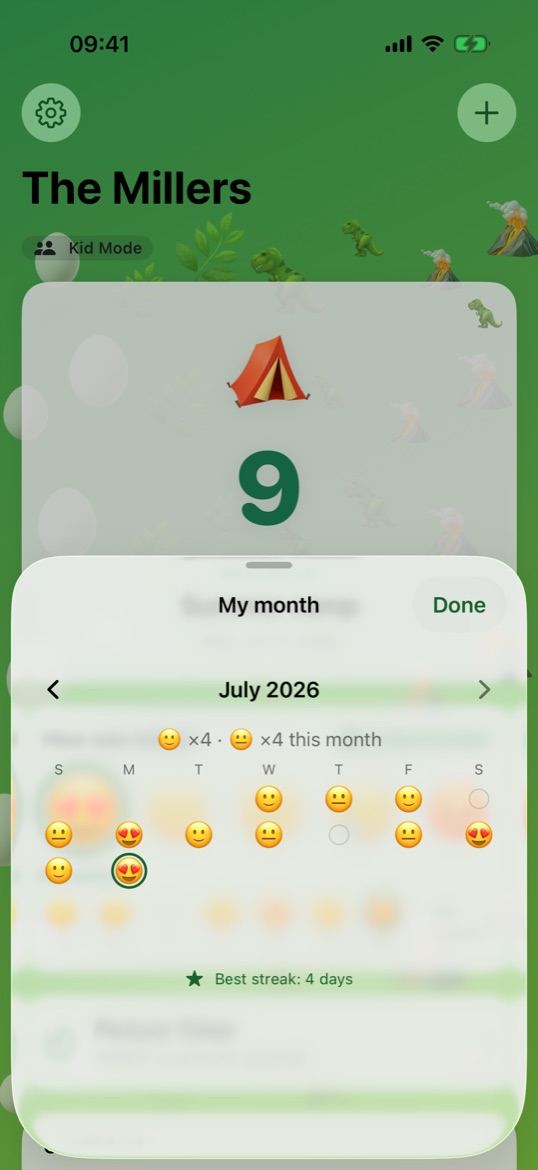
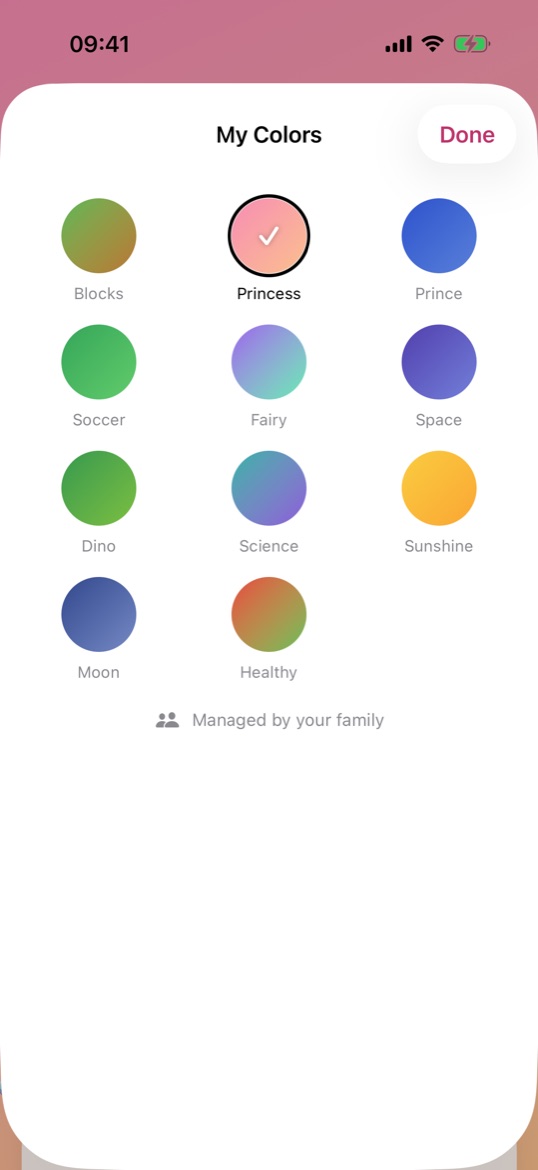
Every kid gets their own Naerly: their board, their month of moods, their look. Eleven kid themes from Space to Dino to Princess — and the grown-ups stay in charge of what's shared.
Your cards
Add a photo to any event and it becomes the cover — or leave it off and the card stays clean and white. Mix both across your board, then pick a color for the whole app, too.
Themes
Seven calm themes for the grown-ups, eleven loud ones for the kids — every one included.
Native apps
Naerly is native on all three — and Family Sharing means one $4.99 purchase covers the whole family.
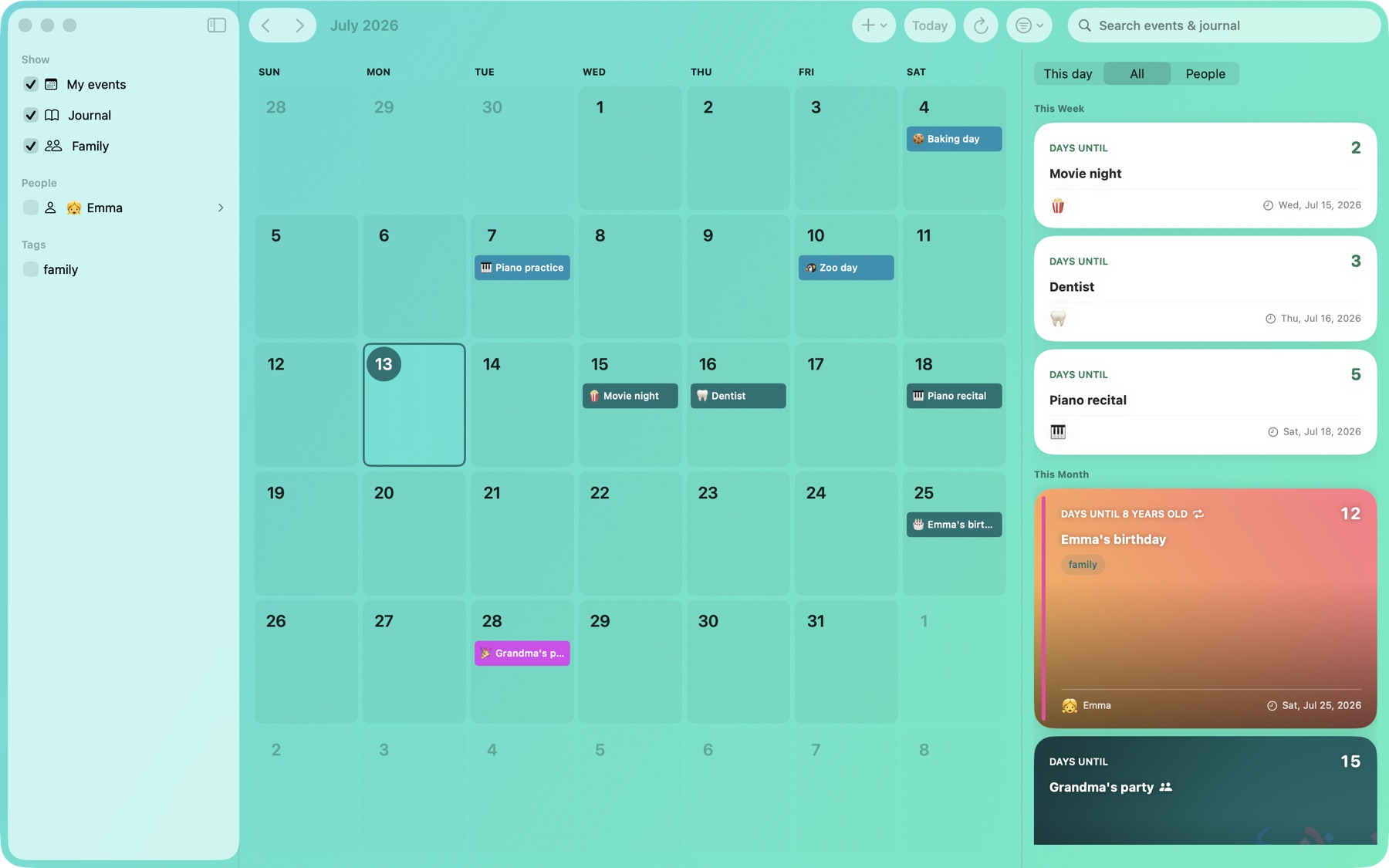
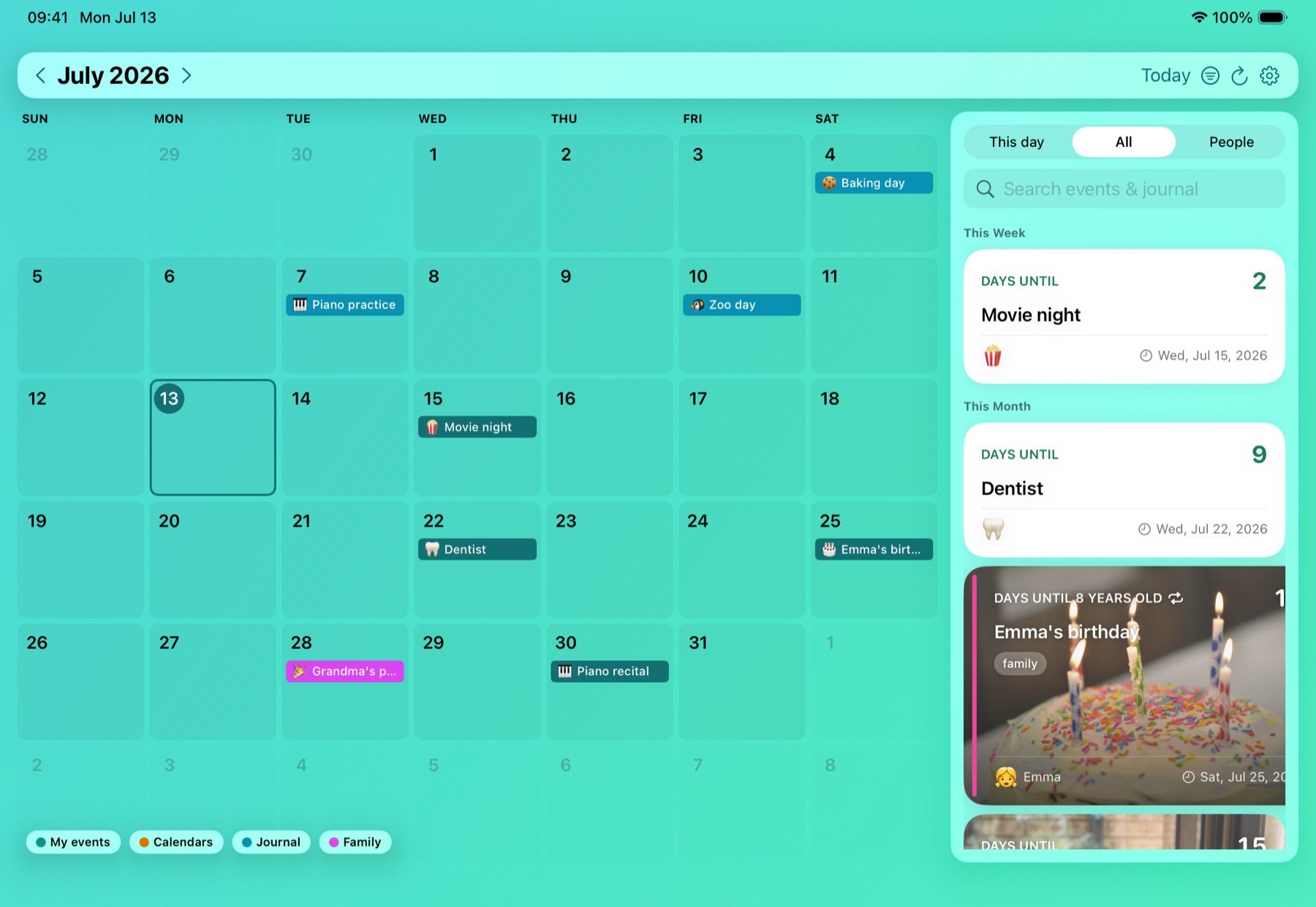
A month at a glance, emoji on the big days — long-press any day to label it.
Little notes and photos on a timeline, right next to your countdowns.
Subscribe to your country's holidays, named the way you say them.
Bring in the birthdays and events your phone already knows.
Weekly, monthly, yearly — birthdays even count the years for you.
Put a photo behind any countdown; it syncs to every device.
Group events by who they're for, with colors that carry through.
Up to three reminders per event, exactly when you want them.
Find any countdown straight from the iPhone home screen.
Your data walks in and out as plain files. It's yours.
Everything — photos included — in one file, restorable anytime.
Send an event as a link; it opens right into Naerly.
Your countdowns live in your own iCloud and sync device-to-device through Apple. There's no Naerly server, no sign-up, no tracking — we couldn't read your data if we wanted to.
Pricing
$4.99 at launch — early testers help shape it.
Download on theApp Store$4.99 · one-time
Why one price and no subscription? Because there are no servers. Naerly keeps your data in your iCloud, so there's nothing to rent you. Buy it once, share it with your family through Family Sharing, and every update is free.
FAQ
Tap "Join the free beta" — it opens TestFlight, Apple's official beta app. Install both, and you're in.
In your own iCloud, end to end. Naerly has no servers and no account system — Apple syncs your data between your devices.
One person creates a Family Space and shares an invite link. Everyone who joins sees and edits the same family events. Kid Mode gives younger kids a safe, view-only version you control.
No — Naerly is native Apple software for iPhone, iPad, and Mac, and that focus is what keeps it fast, private, and beautiful.
No servers, no running costs in your name — so nothing to subscribe to. One purchase covers your whole family via Family Sharing.